 Lovegobuy
 Sixteen shelves of the Lovegobuy Spreadsheet
The catalogue is a wall of product cards grouped by what the thing is. Each shelf below has its own Chinese word, its own failure mode, and its own reason to browse rather than search.
A shelf is worth more than a search box when you do not yet know the word. You are not looking for one item; you are looking at what exists, which is the only way to find out that the thing you wanted is listed under a name you would never have guessed.
 Category
Sneakers
运动鞋
Check the seller’s size chart and measurements. Available sizes vary by listing.
 Category
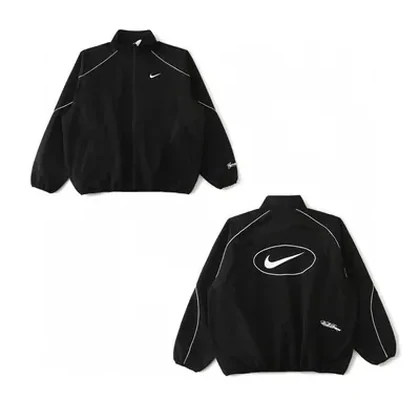
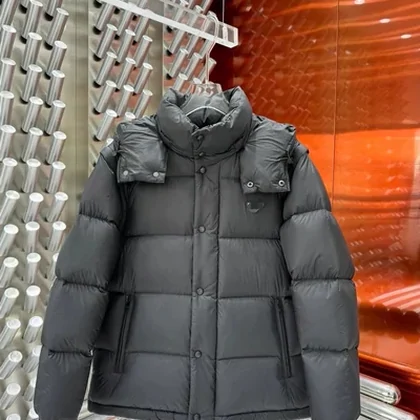
Jackets and coats
外套
Season and lining hide in the variant names, not in the title.
 Category
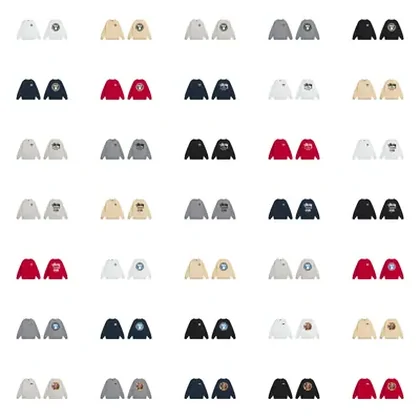
Hoodies
卫衣
Add 连帽 or the crew-neck sweatshirts come back too.
 Category
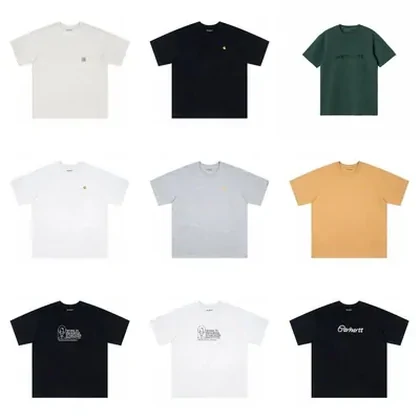
T-shirts
T恤
Use colour and fit terms to narrow the selection, or search with a photo.
 Category
Jeans
牛仔裤
The fit words are 直筒, 阔腿 and 高腰. Try a more specific fit term if a broad search returns too much.
 Category
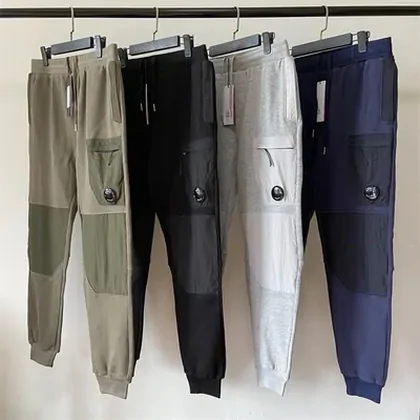
Sweatpants
运动裤
If 运动裤 returns little, try 卫裤 before changing anything else.
 Search results
Womenswear
女装
A department, not a garment. Name the piece and the shelf gets usable.
 Category
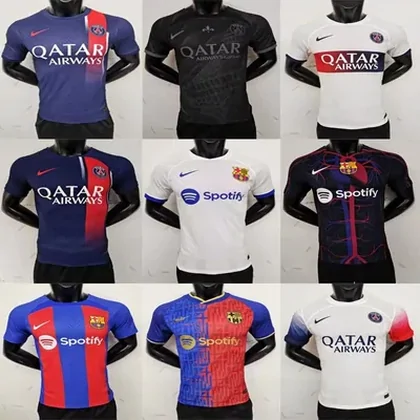
Football kits
球衣
Check the season and home or away version. A photo can help identify the shirt.
 Category
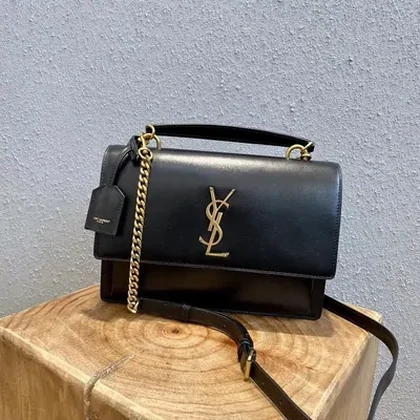
Bags
包包
Listings lead with the shape. Sizes live in the variant names.
 Category
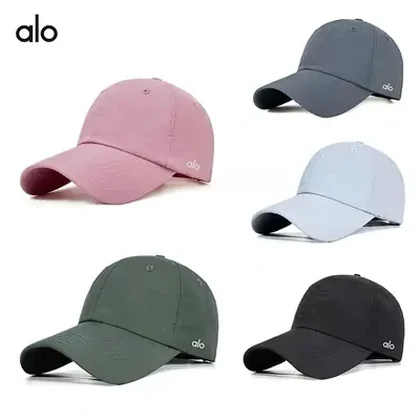
Caps and hats
帽子
Check the head circumference and adjustment range; one size does not fit everyone.
 Category
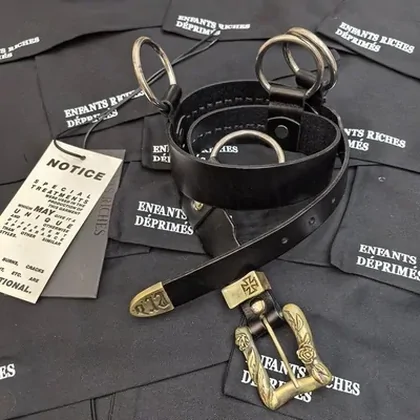
Belts
皮带
Length is quoted in centimetres, not in waist sizes.
 Category
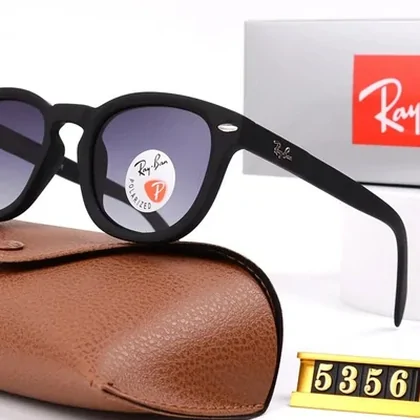
Sunglasses
墨镜
Frames are listed by model code far more often than by colour.
 Category
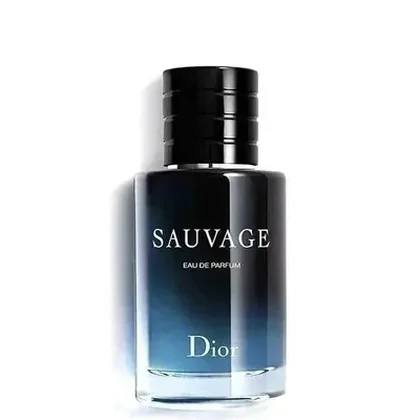
Perfume
香水
Latin brand name and millilitres. A Chinese phrase adds nothing.
 Category
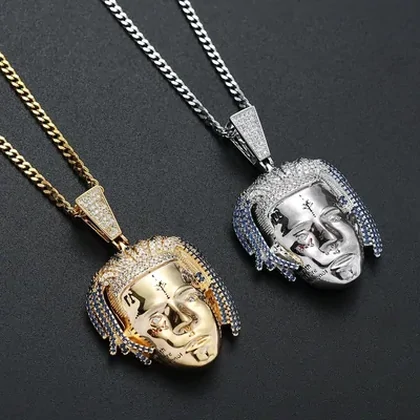
Jewellery
首饰
Search the piece, not the department: 项链, 吊坠, 手链.
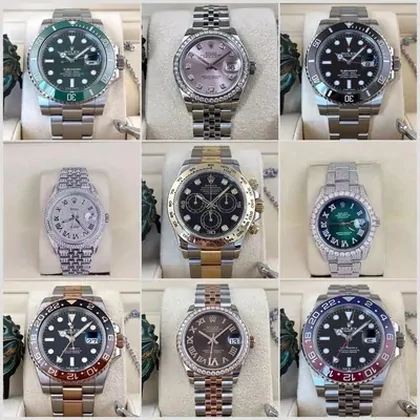 Category
Watches
手表
机械 or 石英 splits this shelf almost in half.
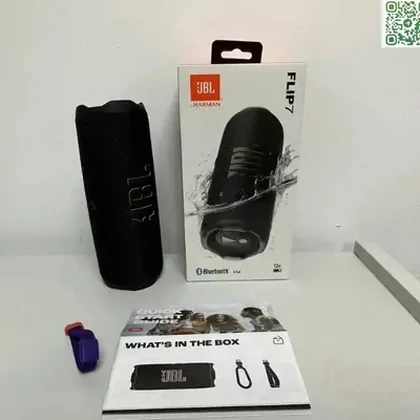 Category
Electronics
数码
Type the model code in Latin letters. This is where Chinese stops helping.
What a card is, and what it is not
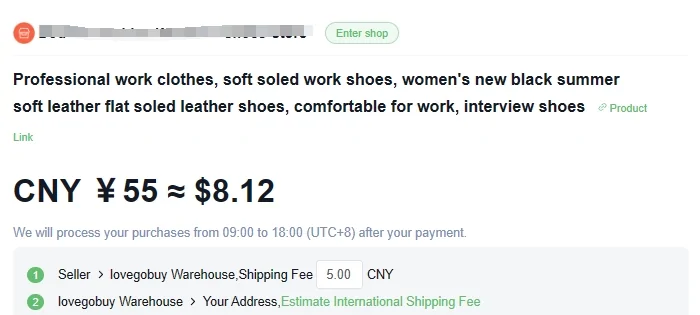
A card is a photograph of a listing with an English title stuck on it. The title is a machine translation of the seller's Chinese, which is why it reads like a list of adjectives that forgot to stop.
That translation is useful in one direction only. It helps you recognise the item. It will not help you search, because nobody on the seller's side ever wrote those English words and no other listing contains them.
Which is the whole reason this site exists. The catalogue solves recognition and leaves retrieval to you.
Treat the card as an address, not as a product record. The price, the stock and the variant list all live on the seller's page and change there without anyone updating the card.
Which shelves reward browsing, and which reward a photo
| Shelf | Browse or shoot | Why |
|---|---|---|
| T-shirts, hoodies, sweatpants | Browse | Thousands of near-identical listings. Seeing twenty at once tells you more than any phrase. |
| Jerseys, printed denim, graphic pieces | Shoot | The graphic is the item. No phrase describes placement. |
| Watches, eyewear, electronics | Neither, use the code | Model codes are written in Latin letters and are exact. |
| Bags, belts, caps | Browse, then read dimensions | Shape is visible at a glance; size is only in the variant names. |
| Perfume | Brand name and millilitres | Listed in Latin letters. The Chinese word buys you nothing. |
The full decision, including what to do when the link you saved stops opening, is on the search modes page.
Where the goods actually come from
The listings behind these shelves are third-party ones. The operator's own page title names the platforms it acts on directly: Taobao, 1688 and Weidian, with Tmall alongside Taobao. Nothing on these shelves is sold by the operator, and nothing on them is sold by us.


If the thing you want is on one of those five, the search box will not find it and that is not a fault. The request form is the door; the agent page explains what happens after you submit one.
Why use this Lovegobuy Spreadsheet?
The categories make unfamiliar listings easier to discover. Images give you a starting point; Chinese category words help you continue the search when an English phrase does not work. The keyword tool assembles a short phrase and explains each term.
The directory is useful for narrowing a search, not deciding whether a seller or product is trustworthy. Compare measurements, variant details and the seller’s current terms before ordering. A card does not establish stock, authenticity or a guaranteed price.
How to use the Spreadsheet
- Choose a category or enter a product name in search.
- Open a promising listing and compare the exact variant and seller.
- Keep the original product URL for Lovegobuy, then follow the buying guide.
- If the result is unavailable, search its title or photo rather than assuming another seller offers the same item.