Lovegobuy
 Lovegobuy Spreadsheet
Browse products, make sense of Chinese listings, and plan your first Lovegobuy order.
What are you looking for?
Choose a category to explore products, then check the seller’s current listing.

Sneakers
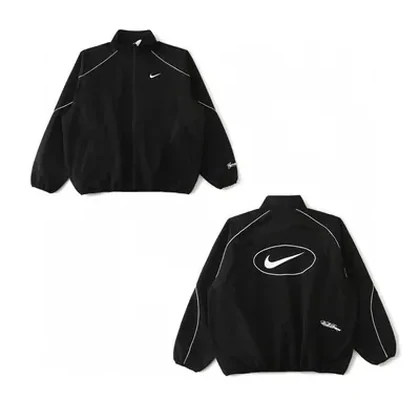
Jackets and coats
Hoodies
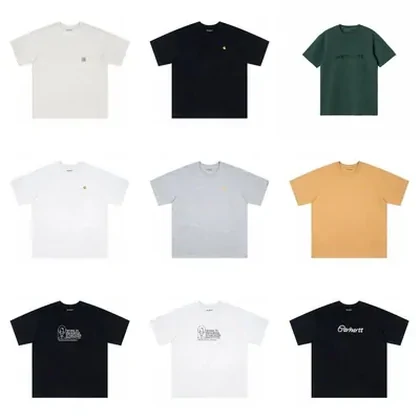
T-shirts

Jeans
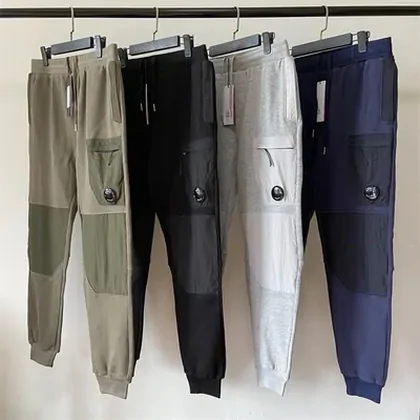
Sweatpants
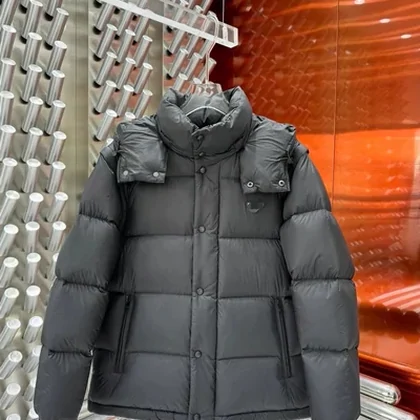
Womenswear
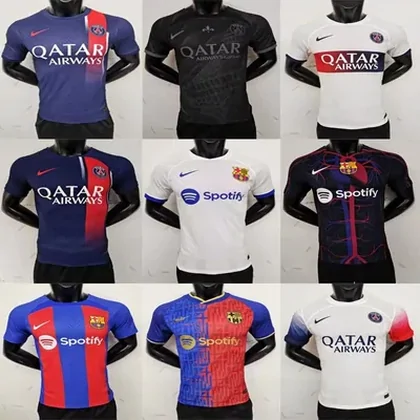
Football kits
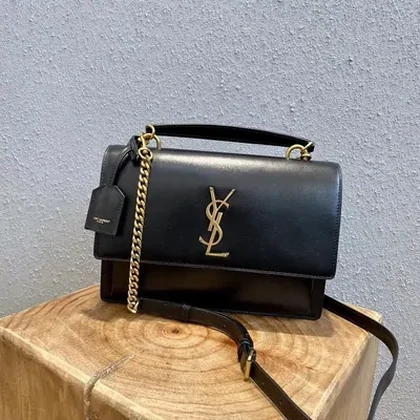
Bags
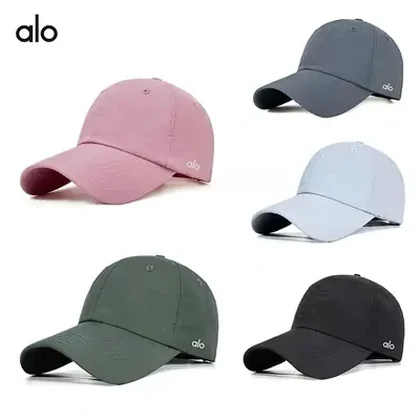
Caps and hats
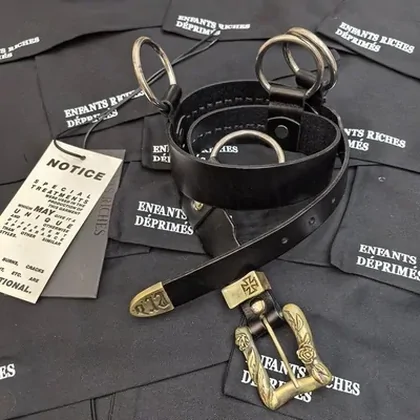
Belts
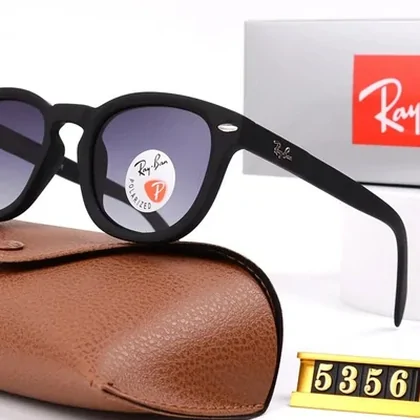
Sunglasses
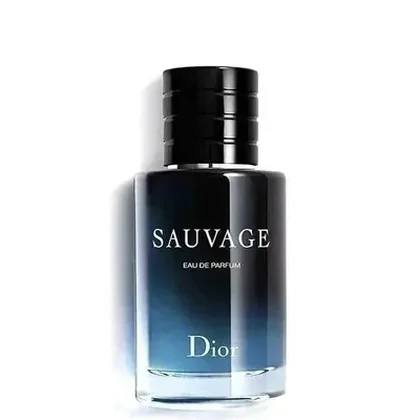
Perfume
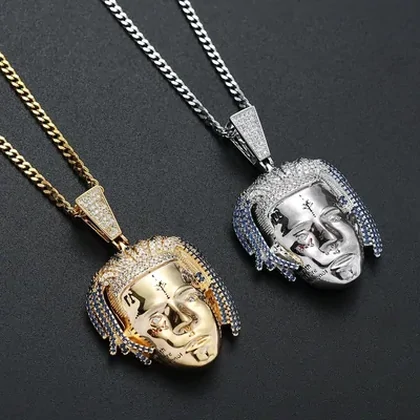
Jewellery
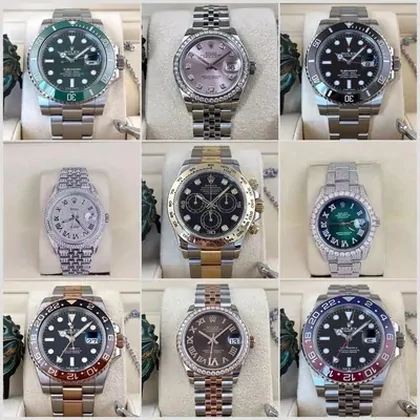
Watches
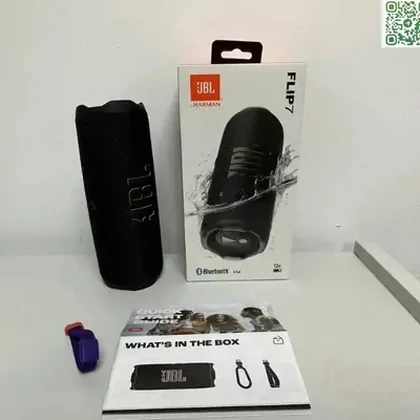
Electronics
What is a Lovegobuy Spreadsheet?
A browsable directory of product links. Use it to discover clothes, shoes and accessories without starting with a Chinese product name.
A product card is a starting point: check the original listing for size, colour, seller and price. Inclusion is not a guarantee of quality or availability.
Why use this Spreadsheet? →What is Lovegobuy?
Lovegobuy is a shopping agent. You submit a Chinese marketplace listing; the agent purchases it, receives it at a warehouse, provides inspection photos and arranges international shipping.
Product discovery and ordering are separate steps. Budget for the item, domestic delivery, agent or payment charges, and the journey to your address.
How the service works and when it fits →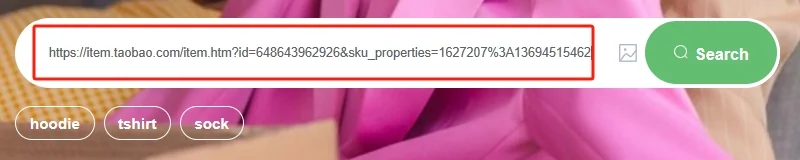
Your first order, step by step
- Find a listingBrowse a category or search for the item.
- Choose the exact variantCheck colour, measurements, quantity and seller terms.
- Review warehouse photosCompare the item with your order before shipping.
- Submit your parcelCheck restrictions, the shipping quote and the final total.
A little checking saves a lot of guessing.
Have a picture but no product name? Try the search guide. Found a listing? Read the seller and QC checks before committing.